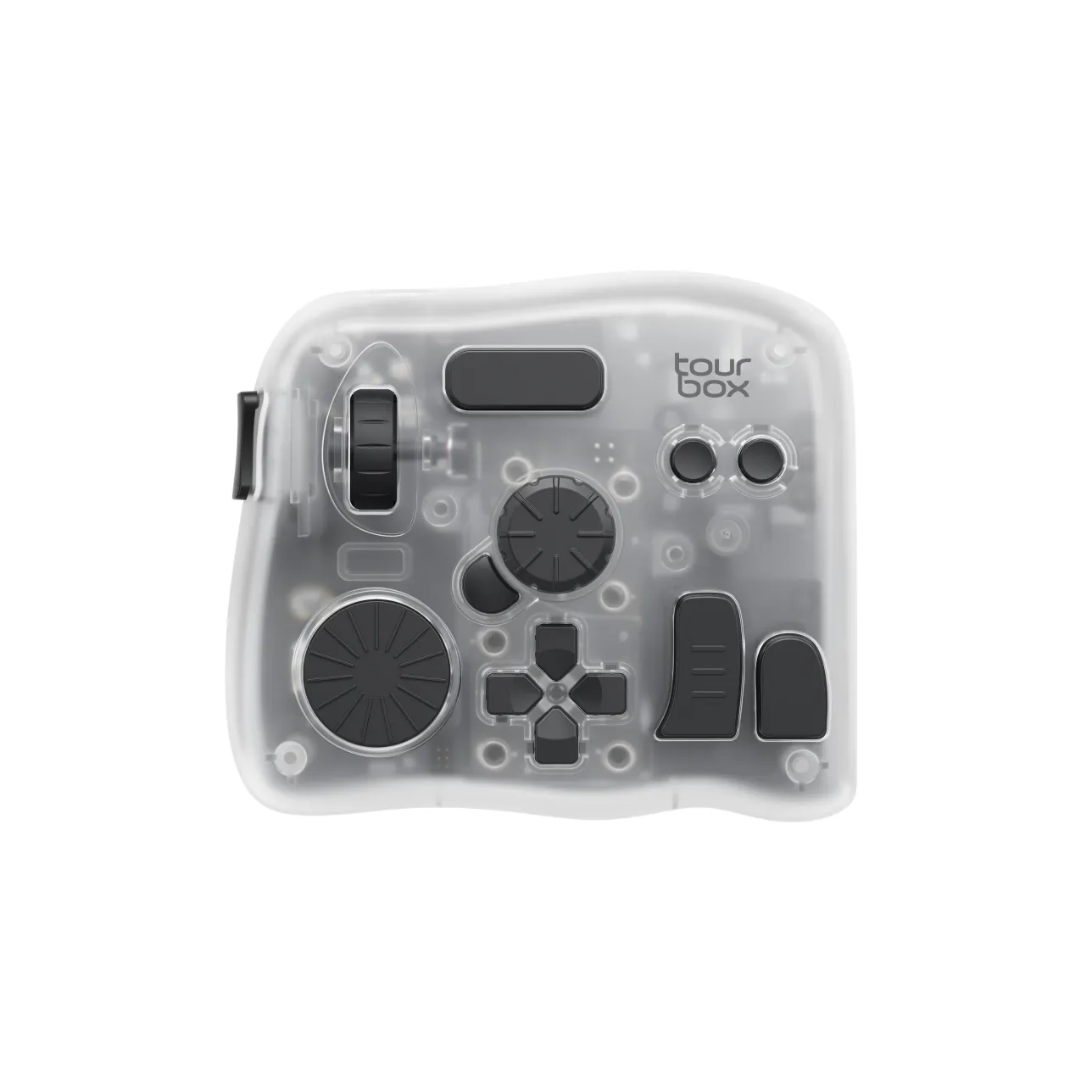
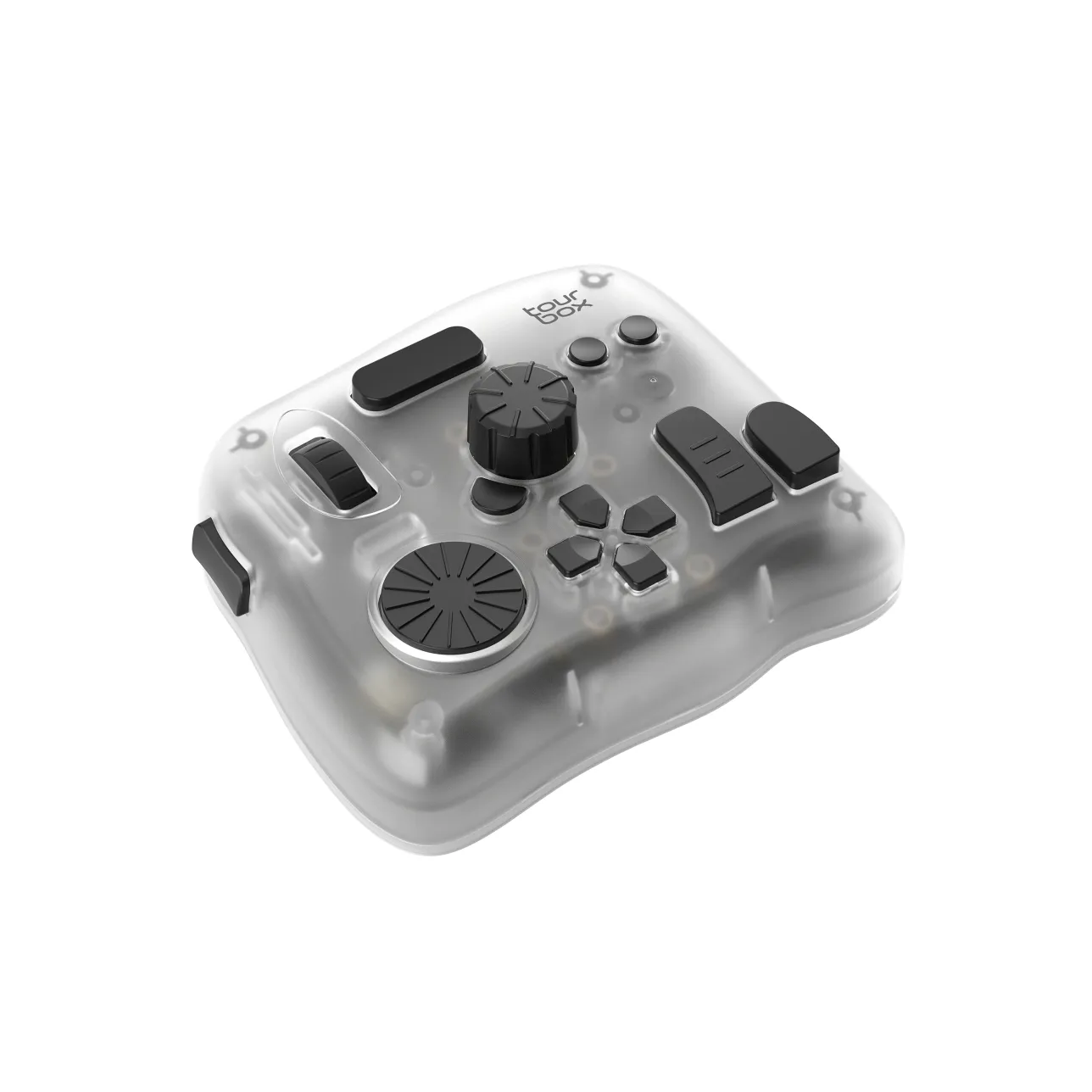
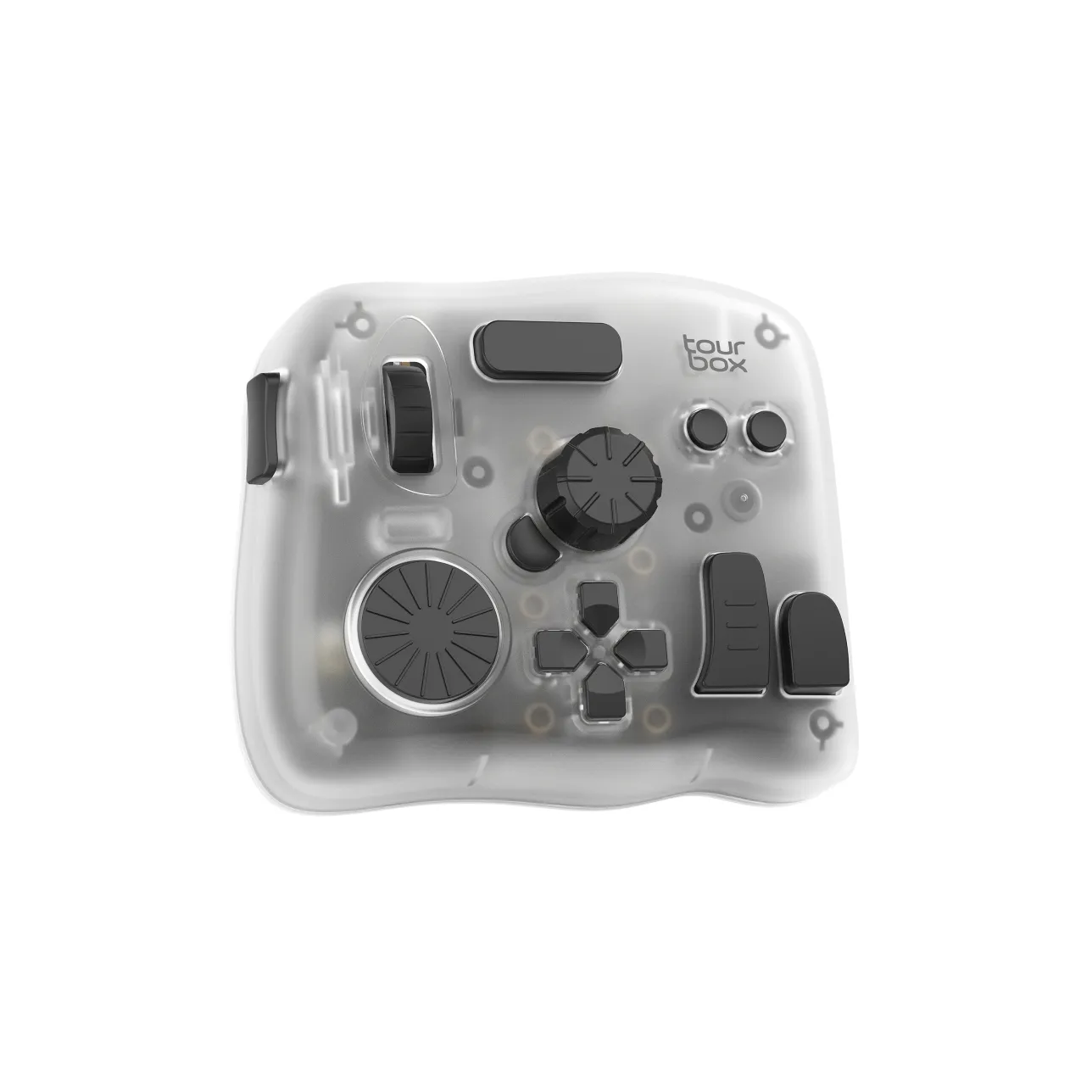
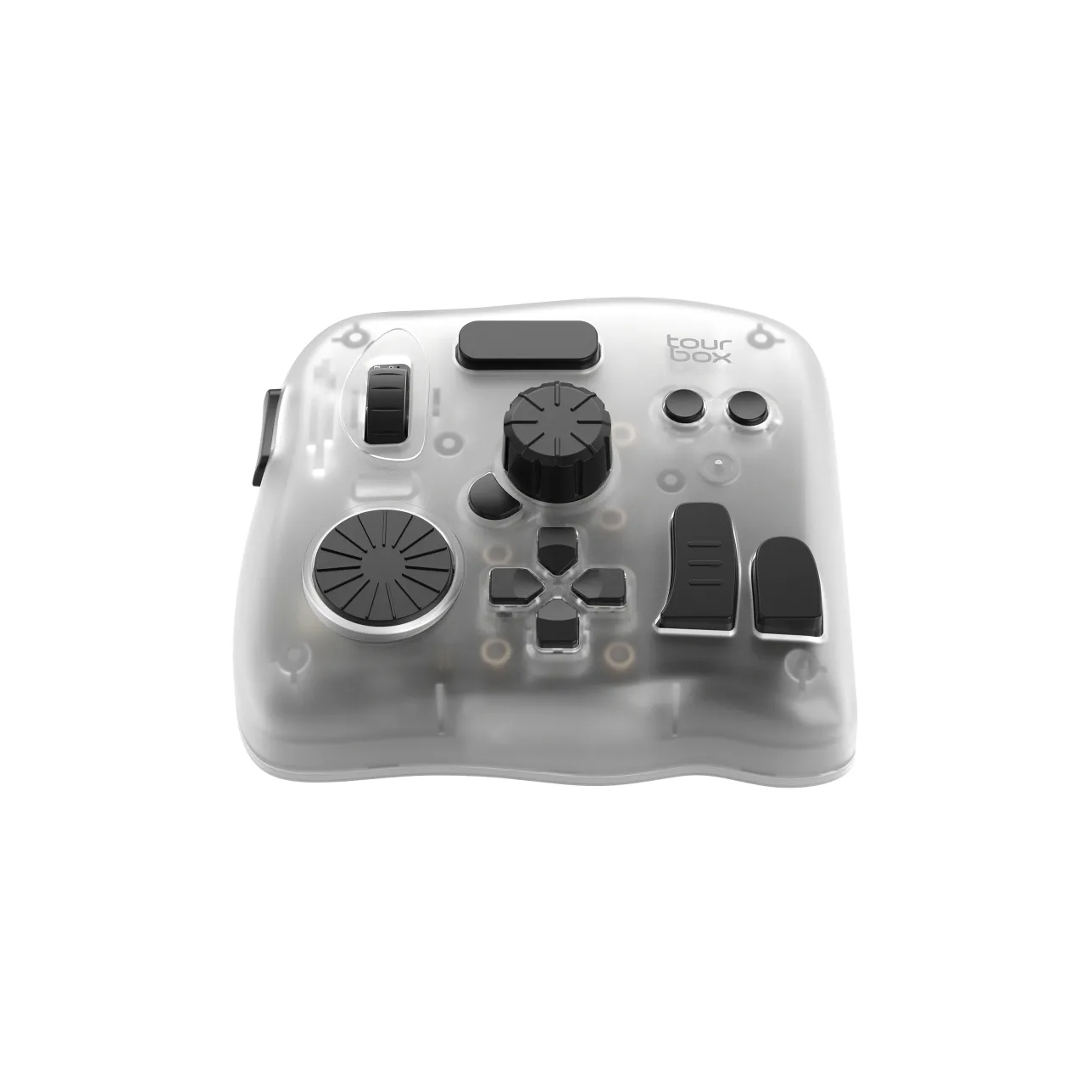



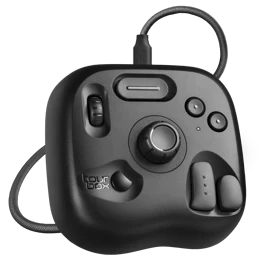
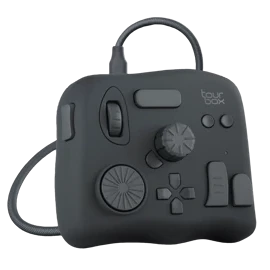
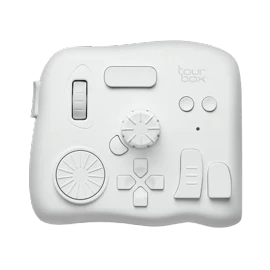
TourBox Elite PlusNew

USD$267USD$297

Promotion

Ends in:
04d23h00m

Save USD$30 Instantly

Free Shipping
30-day Refund Guaranteed
1-year FREE NEW-REPLACEMENT for faulty devices
Customer service within 24 hours on weekdays.

Bundle Now, Save Big.

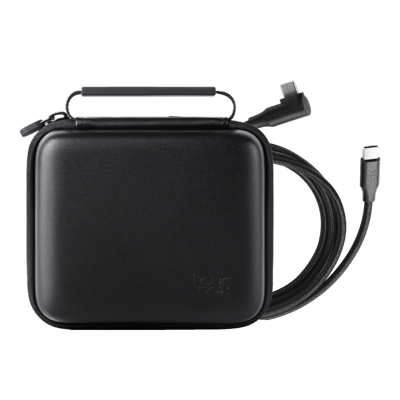
Accessory Package

Accessory Package

USD$30

USD$55

Frequently Bought Together

Naoki Saito - 1 month illustration improvement program《Complete set》

Naoki Saito - 1 month illustration improvement program《Complete set》

USD$9.9

USD$30

Naoki Saito - Improves illustration in 6 days -《The Secret of Illustration》

Naoki Saito - Improves illustration in 6 days -《The Secret of Illustration》

USD$9.9

USD$20

TourBox Elite Plus
USD$267
Save USD$30

Total

USD$297

USD$267

Estimated dispatch within 2 business days

Multiple payment methods: Credit/Debit cards, PayPal, Affirm

You may also like

lite

TourBox Lite

Entry-Level

Learn More

The lite-edition creative console easy to adapt and feel the change instantly.

neo

TourBox NEO

Standard

Learn More

A versatile creative console for emerging professionals seeking precision and control.

elite

TourBox Elite

Professional

Learn More

High-performance model built for professionals who demand the highest level of precision and efficiency.

Free Shipping
Free shipping from the US.
Payment Guarantee
Free cancellation before shipping or within 30 days of receipt.
Free Replacement
1-year FREE NEW-REPLACEMENT for faulty devices.
Support Team Standby
Customer service within 24 hours on weekdays.

TourBox workflow on Android Clip Studio Paint

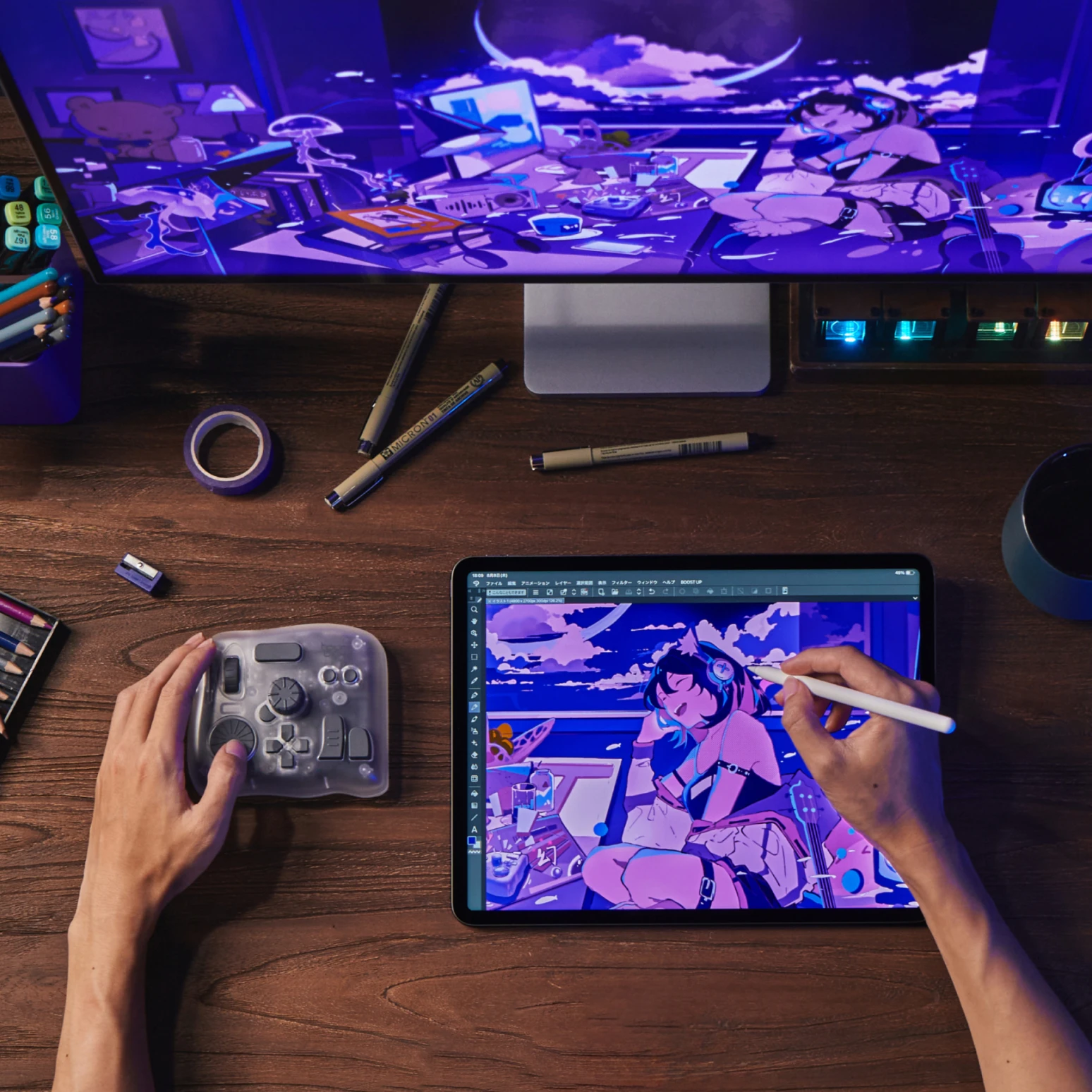
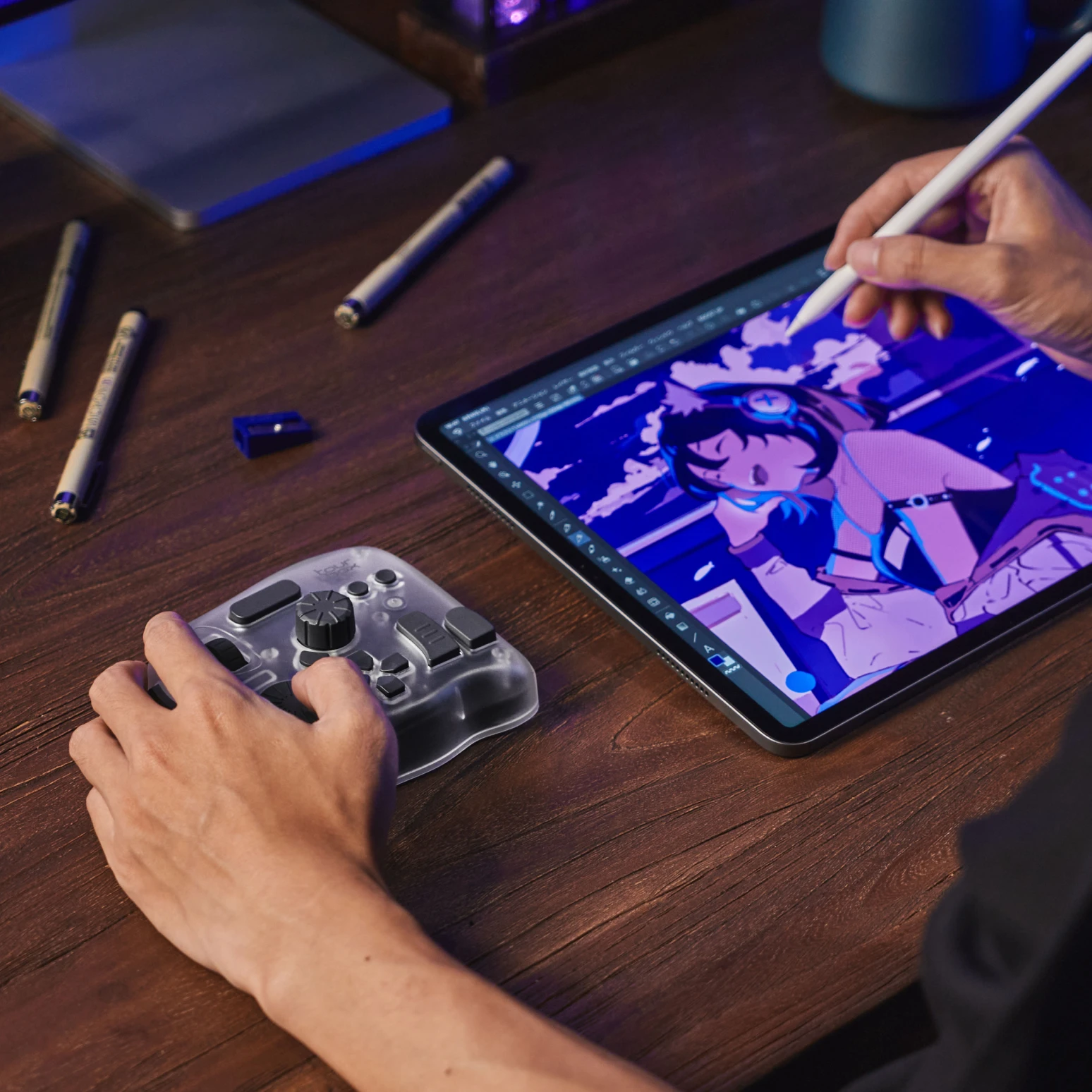
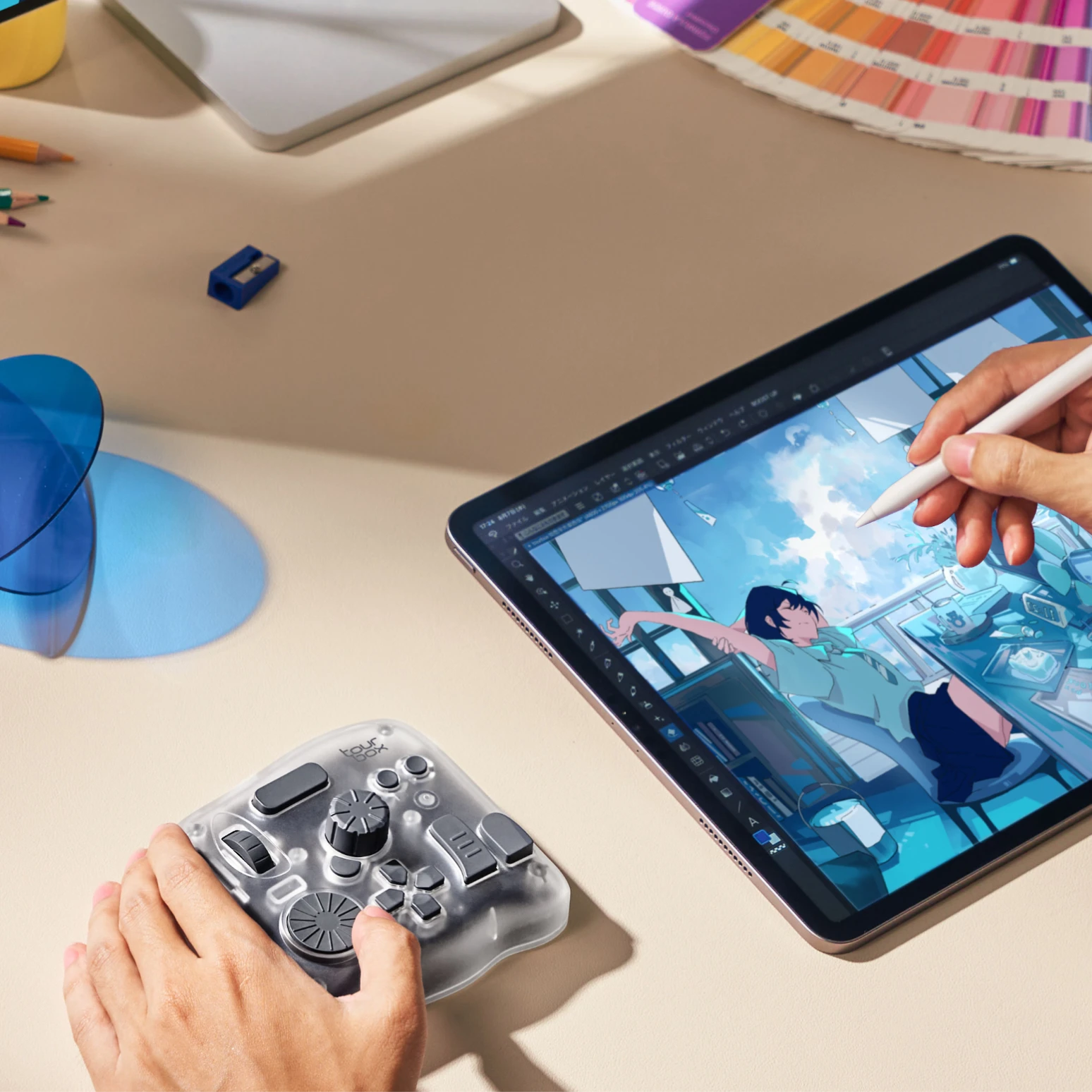
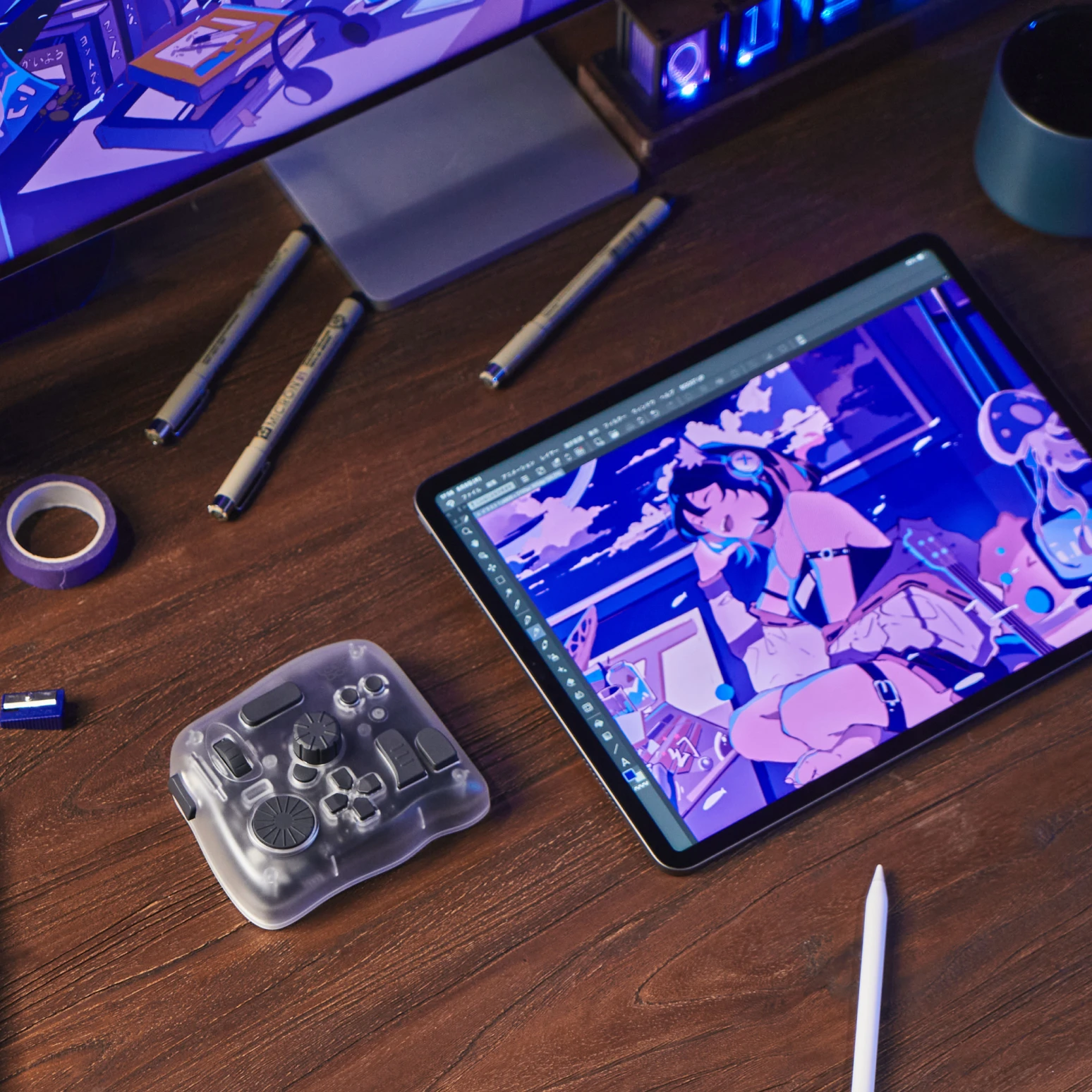
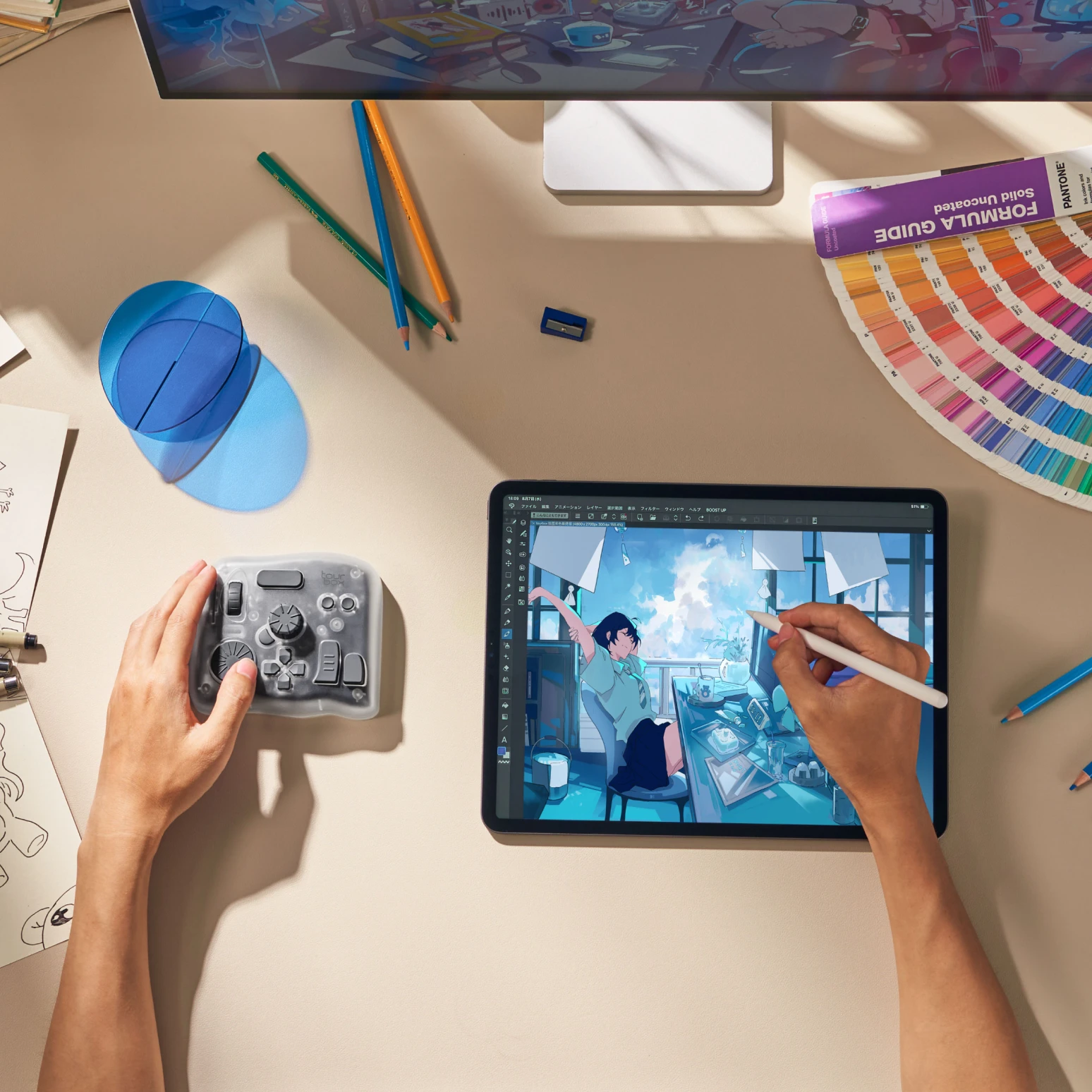
TourBox Elite Plus is a Bluetooth controller designed for digital creators, offering seamless action such as canvas control, brush adjustments, tool switching, and parameter settings on iPad, while keeping your workflow consistent with PC.

TourBox Elite Plus now supports iPad apps such as Clip Studio Paint, Procreate, Photoshop, Lightroom, Capture One, Affinity, DaVinci Resolve, Blender, and Cubase. It also integrates seamlessly with various drawing, image editing, video editing, and audio production software on Windows and macOS, significantly enhancing your creative experience.

TourBox Elite Plus offers an exceptional customization system and broad software compatibility on both iPad and PC, allowing you to fully personalize functions across different applications. Its Dual-Bluetooth functionality allows you to seamlessly switch between computers or an iPad at any time.

Seamlessly rotate and zoom the canvas.

Adjust brush size effortlessly while drawing.

Activate QuickShape with a single press. Left: Quickly access QuickShape using TourBox. Right: Brushes pause on canvas and increase wait time

Quickly Switch Tools: Activate drawing tool, eraser, selection mode, transform mode, color picker, etc.

Quick access to tool layer list and quick selection menu.

Single press to activate various color panels: color balance, HSB adjustment.

Quick toggle full-screen mode, perspective guide, and view reset.

You only need the pen for drawing; all other functions will be managed by the TourBox.

Just like on a PC, you can freely adjust brush size, hardness, opacity, flow, and more in Clip Studio Paint on iPad with TourBox.

Rotate the canvas, zoom in/out, switch brush tools, create/move/switch layers, merge/combine layers, and adjust layer opacity with seamless transitions.

In animation production, observe frames continuously.

Play, pause, create new animation folders, new animation sheets, onion skins, and switch various tools (paint bucket, fill, brush, selection, move, etc.).

Quickly browse through numerous photos in Lightroom and Capture One Mobile, and mark with star ratings.

Retouch images in Photoshop and Affinity Photo—spot removal, liquify, add shadows, etc.

Precisely zoom and move the timeline in Final Cut Pro, DaVinci Resolve, Premiere Rush, and LumaFusion.

Seamless editing experience between Final Cut Pro and DaVinci Resolve on both PC and iPad.

Control volume, mute, screen brightness, next/previous music track.

Quick search; one-click screenshot and mark up.

Toggle dock visibility, return to the home screen, and switch apps quickly.

Use right away with preloaded presets for Clip Studio Paint, Procreate, Photoshop, DaVinci Resolve, Final Cut Pro, Premiere Rush, Affinity Photo, etc., and quickly switch presets with a single press.

Whether on PC or iPad, enjoy 100% customization freedom! In TourBox Console software on iPad, simply enter shortcuts and personalize labels to set up functions.

Simple selection, configure in one step. Press a TourBox button to quickly reach the corresponding settings bar.

You can create different presets for different software. Even within the same software, you can create different presets for various creative workflows.

Need more? Supports single-click, double-click, and combination operations.

Thoughtful design at every turn: ‘STD’ triggers on press, ‘UP’ on release. Set it your way!

After setting up on one iPad, TourBox Elite Plus can store iPad presets onboard. Even on another iPad without TourBox Console software installed, you can use it immediately upon connection!

TourBox Elite Plus can switch between any two computers, or between a computer and an iPad, seamlessly integrating device workflows.

Two-level tactile feedback for precise adjustment.

Equipped with Bluetooth HID, ensuring broad compatibility and interaction. Significantly enhances Bluetooth connectivity stability and battery life.

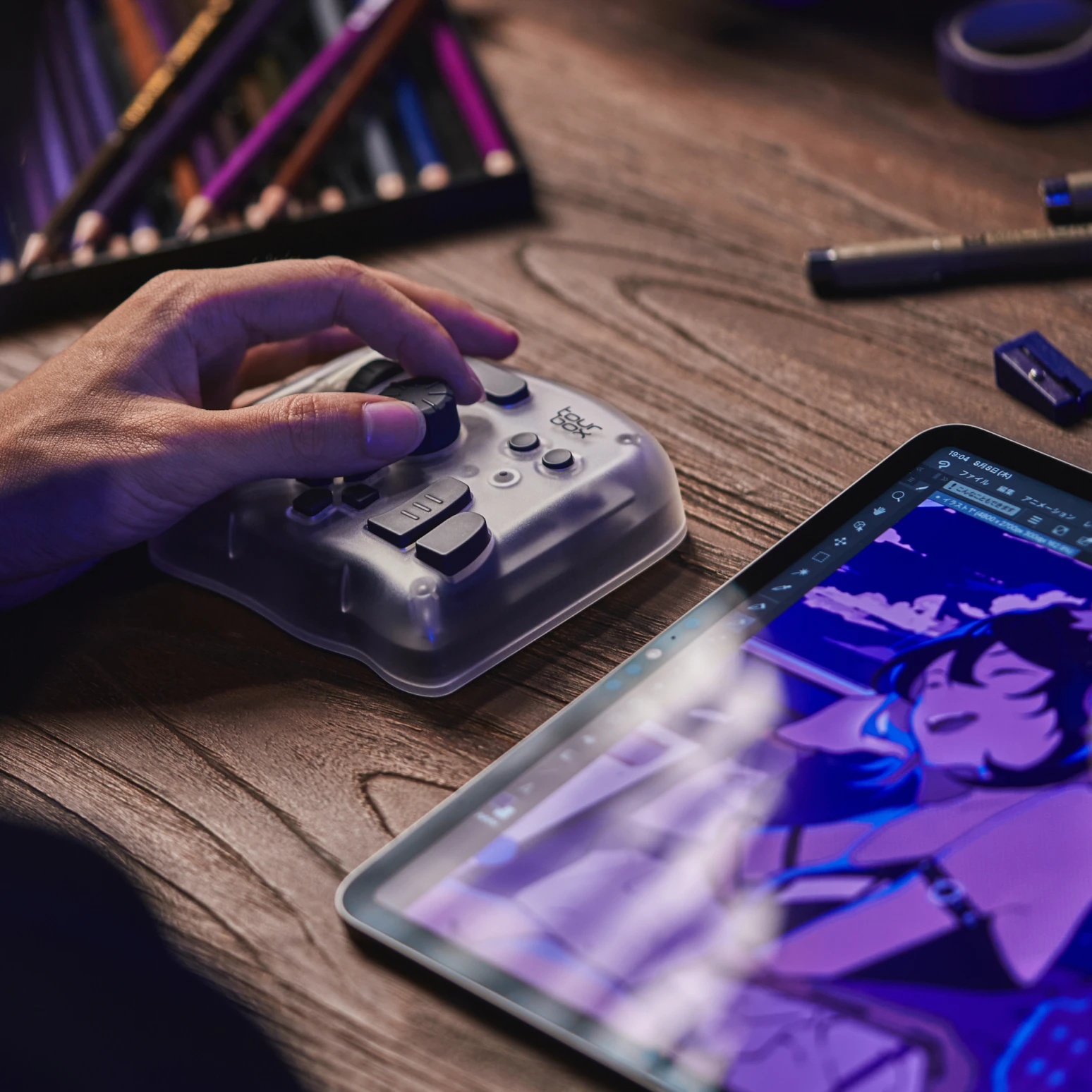
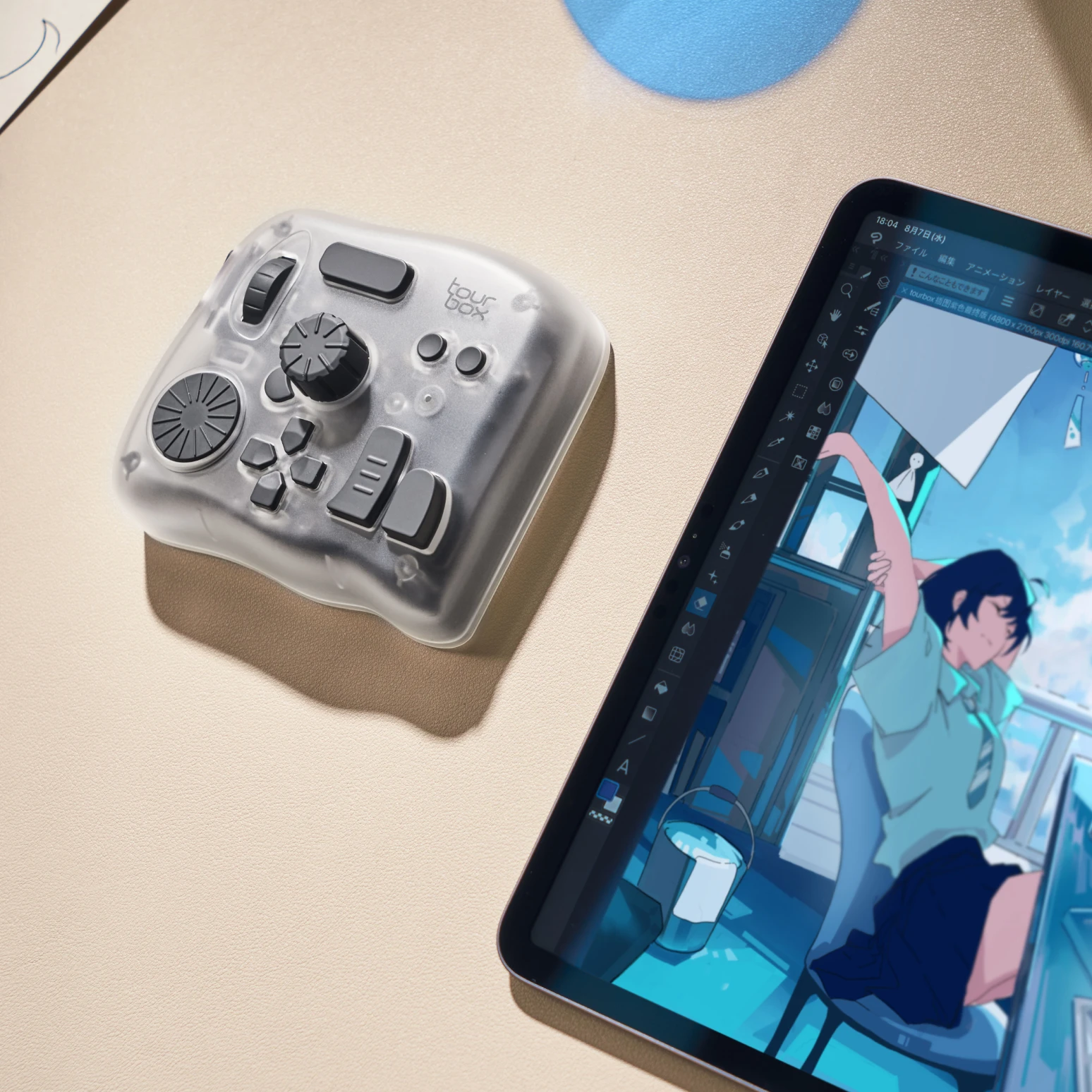
With its sleek and refined appearance, it feels like holding a piece of frosted crystal.

Get the latest news from TourBox

TourBox
Explore
Downloads
Support
Policy
2026 TourBox Tech Inc. All Rights Reserved.